Connect & choose your name
Use Ronin Wallet to sign in, then choose your player name. Keep at least 2 AXR in your Ronin wallet for the login check and completed harvests.

 AxoraLand.Enter the world
 From your first sapling to your daily guild commission.
Everything you need to find your footing on the coast.
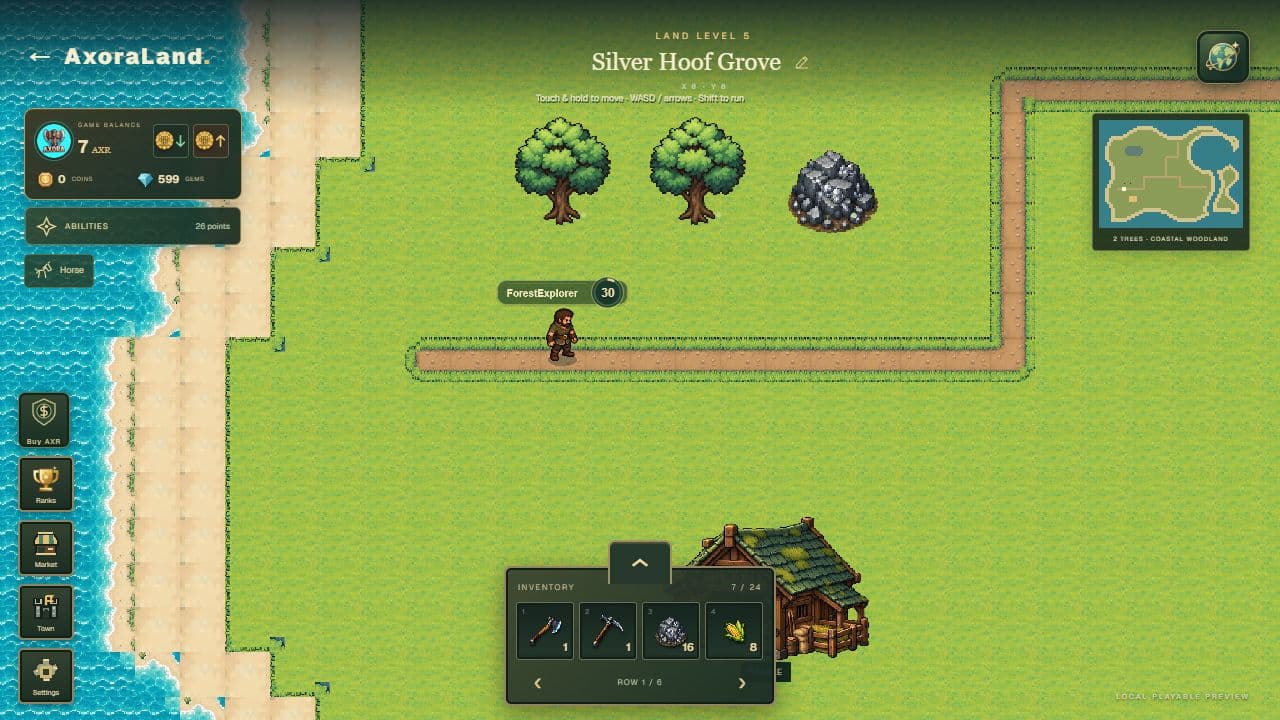
Start with a wallet, two saplings and a little patience. Your land and progress are saved to your signed-in wallet.
Use Ronin Wallet to sign in, then choose your player name. Keep at least 2 AXR in your Ronin wallet for the login check and completed harvests.
You receive two free level 1 tree saplings once. Select a sapling in your inventory, choose Plant, then tap clear grass. Leave space around resources and the entrance. Growth begins when planted.
The Ironwood Axe requires 8 iron ore and 0.5 AXR. Your first 8 iron ore are supplied once. Open Market → Axes to purchase, then select the axe in your inventory. Tools are permanent.
Wait for your tree to mature, then click or tap it with the axe equipped. Each strike removes health. The final strike gives wood and XP, then starts the regrowth timer.
Walk the trails, inspect your resources and keep your tools close. The same world works on desktop and mobile.
On desktop, use WASD or the arrow keys. Hold Shift to run. On mobile, touch and hold a destination to move; release to stop. Use the Walk / Run control to change gait.
Hover a resource on desktop, or touch it on mobile, to inspect its health and timer. Click or tap a ready resource to strike it with the selected tool.
Select an inventory slot to equip a tool or carry a seed. Select an empty slot to clear the tool. Escape clears your current selection outside panels; it also closes an open dialog.
Use the minimap to orient yourself. My land returns you to your entrance. Open Settings for music, minimap, movement tips and fullscreen.
Trees supply wood. Quarries supply ore and crystals. Better deposits need better tools, and each harvest takes a complete cycle.
Use an axe for a tree and a pickaxe for a quarry. Your equipped tool tier must meet or exceed the resource tier, and your player level must meet the tool requirement.
Buy a quarry plan with wood in Market → Quarries. Select the plan and place it on reachable, clear grass. Construction starts at placement, rather than purchase.
Strike until health reaches zero. A harvest checks ownership, tool, wallet balance and inventory space before granting the full yield. A failed final strike keeps your resource's remaining health.
An owned tree becomes eligible for its next upgrade after 250 completed cuts since its previous upgrade. Confirm the AXR purchase in its card. The four tiers are Common, Resilient Oak, Rare and Special.
| Quarry | Player level | Wood cost | Base yield |
|---|---|---|---|
| Iron Quarry | 1 | 40 | 4 |
| Ember Quarry | 5 | 80 | 4 |
| Gilded Quarry | 10 | 120 | 3 |
| Glacier Quarry | 20 | 160 | 3 |
| Verdant Quarry | 35 | 200 | 2 |
| Amethyst Quarry | 50 | 240 | 2 |
Both tool families share the level requirements and AXR prices below. Material recipes vary by tool; check the Market before confirming.
| Tier | Player level | AXR |
|---|---|---|
| 1 | 1 | 0.5 |
| 2 | 5 | 2 |
| 3 | 10 | 4 |
| 4 | 20 | 6 |
| 5 | 35 | 8 |
| 6 | 50 | 10 |
Land level controls your farm capacity. Player level controls your character progression. They are separate systems.
Upgrade your land in Market → Farming. The first soil capacity opens at land level 5 with 3 plots. Every additional five land levels unlocks capacity for 3 more.
A soil plot costs 40 wood. Purchased plots count toward capacity even while unplaced. Put plots on reachable grass, clear of the entrance and two tiles away from trees or mines.
Buy wheat, corn or barley seeds. Select a seed and tap an empty owned soil plot. One planting consumes one seed; a ripe crop yields two base products and leaves the plot empty for replanting.
Land upgrades consume wood and, at higher levels, ores or crystals. Save crops for guild deliveries and future horse meals. Items reserved for an unfinished tool purchase cannot be spent elsewhere.


Each soil plot costs 40 wood. Farming skills can improve future crop timers and yields.
Resource harvests earn 2 XP per delivered resource item. Daily quests add their displayed XP reward. As your player level grows, new choices open up.
Each player level after level 1 grants one shared point. Choose Forestry, Mining, Farming, Riding or Fighting. Every skill has a maximum rank of 30.
The + and − controls stage changes. Confirm saves your allocation. Saved ranks are locked; resetting all abilities costs 300 gems and returns the spent points.
Each Forestry, Mining or Farming rank shortens new relevant timers by 2% and increases yield by 1%. Existing timers keep their dates. Fractional yield bonuses accumulate over harvests.
Riding adds horse movement speed. Fighting stores combat power for the future combat system; it does not increase current axe or pickaxe damage.
Open Quests in the game HUD to visit the Verdant Guild. Each wallet receives 6 fixed commissions per UTC day: three Trail, two Guild and one Prestige.
Tasks use your player level and available production when the board is first issued. Harvest quests count fresh harvests after issuance. Delivery orders use items currently in your inventory.
For a harvest quest, complete the target and choose Collect reward. For a delivery order, collect the shipment, choose Deliver & collect, then confirm. Delivered resources leave your inventory.
Rewards can include XP, coins, gems and a funded AXR commission. The exact reward is shown before completion. Claimed AXR is credited to your game wallet and uses the normal withdrawal rules.
Orders reset at 00:00 UTC each day. Unclaimed orders expire. Refreshing, changing devices or leveling up does not reroll today's board. Open the ledger to see the last seven days of rewards.
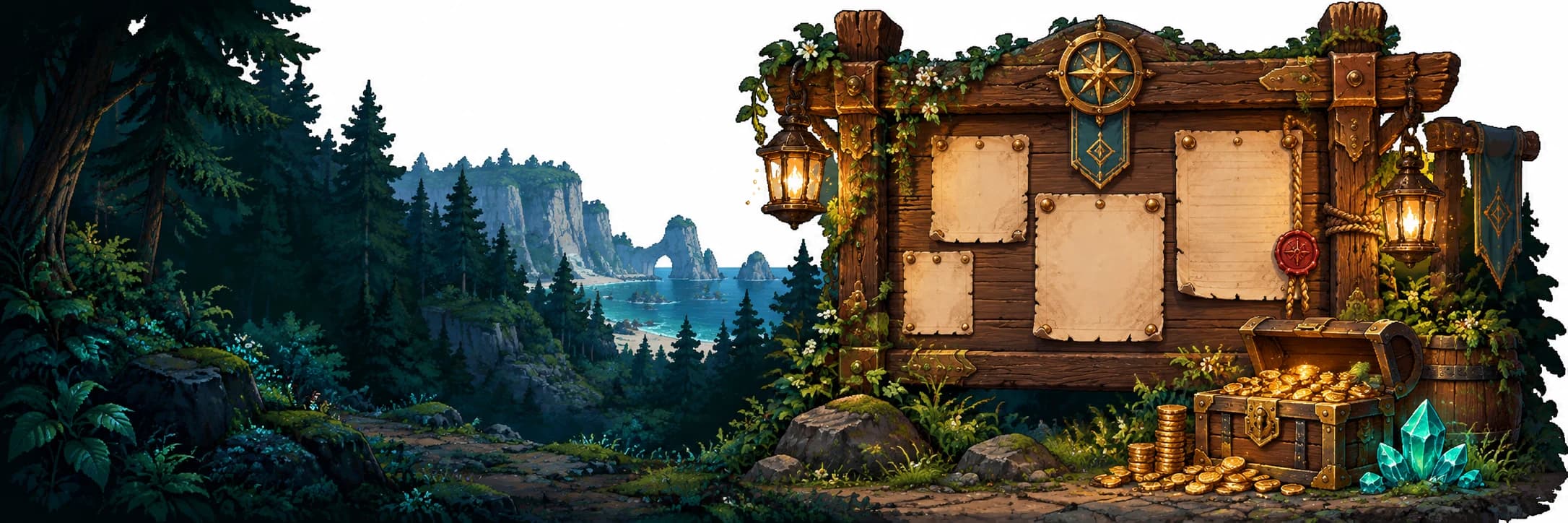
Your inventory has 24 slots. Resources, seeds and crop products stack up to 99; permanent tools and unplaced plans use their own slots.
If the full yield will not fit, the harvest is rejected without losing the resource or starting its next timer. Deliver a guild order or clear space before trying again.
Use inventory management to move, swap and combine compatible stacks. Selecting another item changes your equipped tool. Inventory changes are saved by the server.
Purchased tools cannot be discarded or bought twice at the same family and tier. Quarry plans, soil and tree saplings remain in inventory until placed.
The Stable unlocks at player level 30. Build a home for one companion, then choose among four cosmetic coats with identical base rules.
Place a Stable on a clear 4 × 3 grass area for 100 wood and 20 iron ore. Building the Stable costs no AXR.
A horse costs 3 AXR from your deposited game balance. You can own one horse, so choose your coat before confirming your purchase.
One meal costs 2 corn and 2 barley, grants 100 horse XP and enables riding for 24 hours. Call your companion with Horse, then tap it from nearby to mount. Tap again to dismount.
Each new horse level earns one point for Fighting or Speed. Horse level caps at 100. Confirm staged training to save it. Dismount before striking resources.
AXR in your Ronin wallet and AXR deposited in your game account serve different purposes. Coins and gems are separate in-game currencies.
The game checks for at least 2 AXR at login and before a completed harvest. Buying, planting or refreshing your world does not repeat the harvesting balance check. Network transactions also need RON for gas.
Confirmed AXR deposits credit your game wallet. You can use it for supported tool purchases, tree upgrades and your horse. Deposits are not automatically counted as quest-reward funding.
Daily orders award coins and gems. Horse renames use 100 coins. Gems finish eligible timers at one gem per rounded-up remaining minute; ability resets cost 300 gems.
Current withdrawal requirements are player level 10, land level 3, verified X and Discord accounts, and an enabled treasury payout service. You sign a withdrawal request for your own Ronin wallet. Check the wallet panel for availability.
The public launch is scheduled for 27 October 2026. The current build is available through Play now; the roadmap shows the public launch target.
The community airdrop is planned for 13 December 2026. Allocation, snapshot and eligibility have not been announced. Daily quest rewards are a separate game feature.
AXR commissions require level 5, seven account days and available funding within the global and per-wallet purchase limits. The board fixes the reward when issued. Other displayed XP, coin and gem rewards remain available.
Use gems in its resource card to finish an eligible active timer. The price is one gem per rounded-up remaining minute. You must have enough gems; the timer is not changed on a failed request.
For harvesting, check your selected tool, resource readiness, Ronin wallet AXR balance and inventory space. For withdrawals, check level 10, land level 3, verified X and Discord links, sufficient game balance and whether payouts are enabled.
0x195D988fEe47afBecCC29Ed0b699272264438DAc